


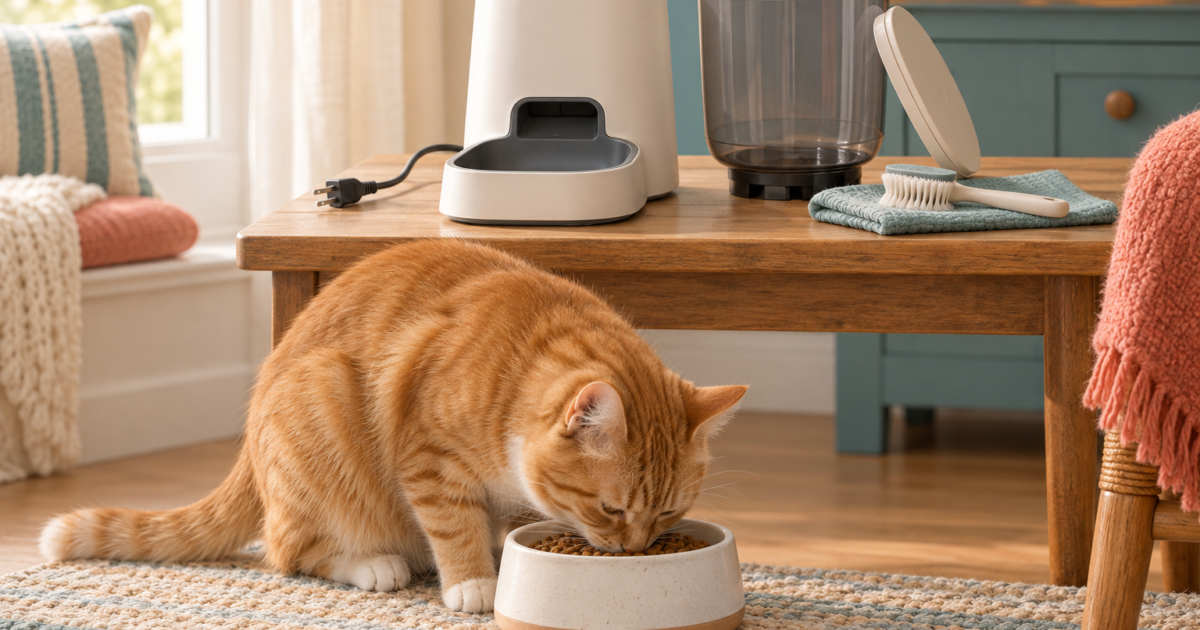
If your automatic cat feeder is not dispensing food, arrange a measured manual meal first, then distinguish a power failure, blocked food path, schedule problem or access problem. Record the model and error message before changing settings. Isolate power before inspecting moving parts, and use the exact model’s cleaning and restart instructions.
This guide concerns dry-food dispensers. A refrigerated wet-food tray that does not rotate needs its own manual. The checklist helps you collect useful observations; it cannot remotely diagnose a motor, sensor or electrical fault.
On this page
Start with the symptom you can observe
Choose what actually happens at the feeder. An app notification alone does not confirm that food reached the bowl.
Automatic feeder troubleshooting checklist
| What you observe | What to check next | What it does not prove |
|---|---|---|
| No lights, sound or movement | Approved power supply, connections and model-specific battery instructions. | An unlit display alone does not identify the failed component. |
| Motor moves; no kibble arrives | Food compatibility, accessible chute and correct assembly after cleaning. | A running motor does not establish a clear food path. |
| Manual feed works; scheduled feed fails | Enabled schedule, correct clock/time zone, repeat days and saved settings. | A successful manual cycle does not verify the schedule. |
| Some food arrives, but less than expected | Repeated output weights and possible partial obstruction. | A portion number is not a guaranteed gram weight. |
| App is offline | Local behavior and the exact model’s offline operating rules. | Offline status does not always mean the dispenser has stopped. |
| Food is present but the cat cannot reach it | Selective-access settings, paired tag and introduction routine. | This may be an access issue rather than a dispensing issue. |
Step 1: protect the next meal and preserve the evidence
Write down when the last meal was actually observed and how much food remains. Use the established feeding plan for the manual alternative; avoid repeatedly pressing “feed” and leaving every test portion available. If a cat has missed food required alongside medication or appears unwell, contact the veterinarian rather than treating the device repair as the whole problem.
Before resetting anything, take a photo of the error and note the event time. Keep a short record of what changed: new kibble, cleaning, an outage, app update, moved equipment or a modified schedule. A clear before-and-after description is more useful to support than “it sometimes fails.”
Step 2: separate power from connectivity
Check accessible cable connections and the approved supply without dismantling the unit. Follow the manual for battery type, polarity and switching. A phone being connected to Wi-Fi tells you nothing about whether the feeder has power.
Use the model’s own manual-feed control if the device is intact and the manufacturer allows the test. Record whether the display responds, the mechanism moves and food arrives. These are three separate observations. Stop if the attempt produces abnormal sounds or another fault.
For internet outages, continue with our guide to automatic feeders without Wi-Fi. Do not transfer one model’s battery-backup behavior to a different feeder.
Step 3: inspect the food path using the correct manual
Turn off the feeder and isolate mains and battery power before touching the dispensing area. Remove only parts the manual identifies as user-removable. Keep the cat away from loose parts and collected food.
PETLIBRO’s current dispensing guide checks compatible dry kibble, hopper fill, chute debris and correct paddle installation. It also describes priming an empty mechanism before subsequent tests. Follow that guide only where it applies to your device, and let every test cycle finish. Official PETLIBRO dispensing checklist.
Do not force the rotor, insert tools into a powered mechanism or wash an electrical base. After permitted cleaning, dry and reassemble the parts as instructed. Save the test output separately so it does not become an accidental extra meal.
Step 4: check a schedule that does not run
If manual dispensing works, review the programmed meal: enabled status, AM/PM or 24-hour time, time zone, repeat days, effective date and portion setting. PETLIBRO also advises checking feeding history and saving the schedule again while online for the applicable device. Official schedule troubleshooting.
Change one thing at a time and record it. Otherwise, you will not know whether the issue was a disabled weekday, an unsaved change or something else. If you create a temporary test meal, label it in your notes and remove it afterward. Observe an actual scheduled event before declaring the problem solved.
PETLIBRO troubleshooting: choose the right support page
| Device or issue | Support route | Detail to have ready |
|---|---|---|
| Granary 2 Vision | Feeder support and model selector | Exact variant, error and whether manual dispensing works. |
| Space Smart Feeder PLAF107 | Space dispensing help | Model label and behavior before the fault. |
| One RFID access problem | One RFID product information | Whether food is in the bowl and whether the paired tag is present. |
| Another brand or older model | The manual supplied for that exact device. | Model number; do not substitute another product’s reset sequence. |
Copy this support request record
Model and serial: ____ · Purchase date: ____ · Firmware/app version if shown: ____ · Error wording: ____ · Last observed successful meal: ____ · Manual test result: ____ · Scheduled test result: ____ · Food name and recent changes: ____ · Cleaning/reassembly date: ____ · Power source: ____ · Steps already tried: ____.
Attach a short video showing the display and bowl during one permitted test. Share account or device logs through the manufacturer’s official support channel; do not post passwords or private household details in public comments. Keep the manual feeding arrangement in place while waiting for a response.
How to verify the feeder is working again
Check the result that originally failed. If it was a schedule issue, a manual dispense is insufficient. If it was low output, weigh complete meals rather than relying on the sound of the motor. If it was selective access, observe the intended cat reaching the food.
Use our portions-to-grams calculator after consistent dispensing returns. Keep a written backup routine for anyone caring for the cat; the cat sitter checklist provides a handover template.
Common feeder troubleshooting questions
Should I factory-reset the feeder first?
Not automatically. Record settings and errors first, then follow the model’s instructions. A reset can remove useful settings without resolving a physical obstruction.
Should I increase portions when little food comes out?
First determine whether the output is consistently small or intermittently failing. Increasing settings can hide the distinction and produce too much food when normal dispensing resumes.
When should I replace the device?
Ask support about repair, warranty and compatible parts before buying another unit. If reliability remains unresolved, keep using the manual plan. Our automatic feeder comparison can help assess alternatives once you know which requirement the current device fails.
Research-based guide. Sources checked September 9, 2026. Calculator examples are hypothetical; no hands-on product test is claimed. Read our editorial policy.
Preserve one useful failure record before resetting
A reset can erase the context needed to distinguish schedule, power and mechanical issues. Protect the next meal, then save the evidence first.
| Decision or record | How to apply it |
|---|---|
| Expected | Time, setting, food and the output you expected. |
| Observed | Display or app message, sound, physical food in the bowl and any jam visible without unsafe disassembly. |
| Changed | Recent refill, new food, cleaning, power event, accessory or firmware change. |
After an approved correction, observe a repeatable supervised release and a normal scheduled meal. Keep unresolved or intermittent faults in the record instead of treating a single successful button press as a permanent repair.
8 Comments on “Automatic Cat Feeder Not Dispensing Food? Troubleshooting Guide”